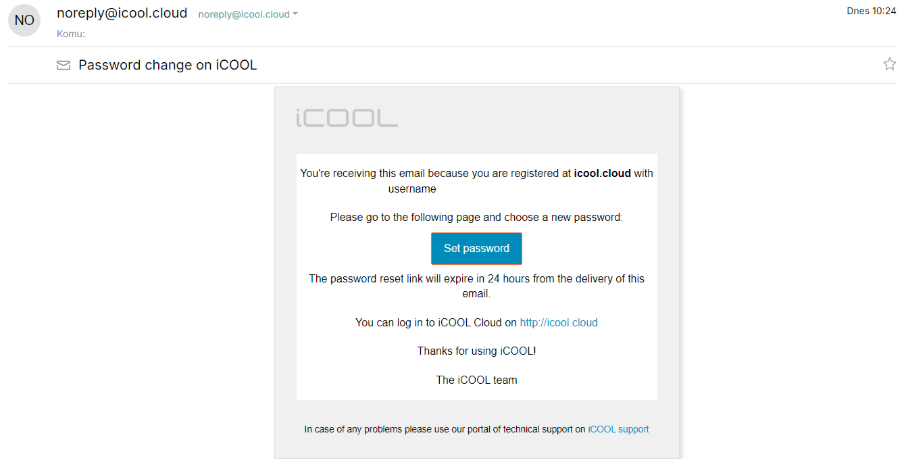
You will receive a message at the e-mail address you provided, which you can use to set up your login details:

Once you open the message, select the link to set your password in the blue box labeled "Set password".
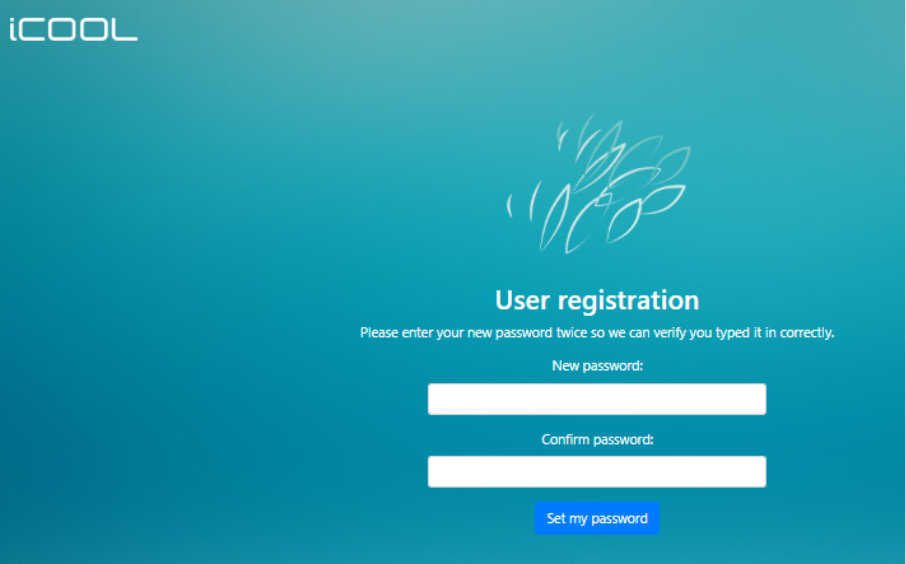
You will then be redirected to the iCOOL website in your default browser.
Here, you can set the password you want to use to log in to the iCOOL app and confirm it by clicking the blue button "Set password".
Your login name will be the e-mail address to which you received the registration e-mail.
After successful registration and initial login, the home page will be displayed.
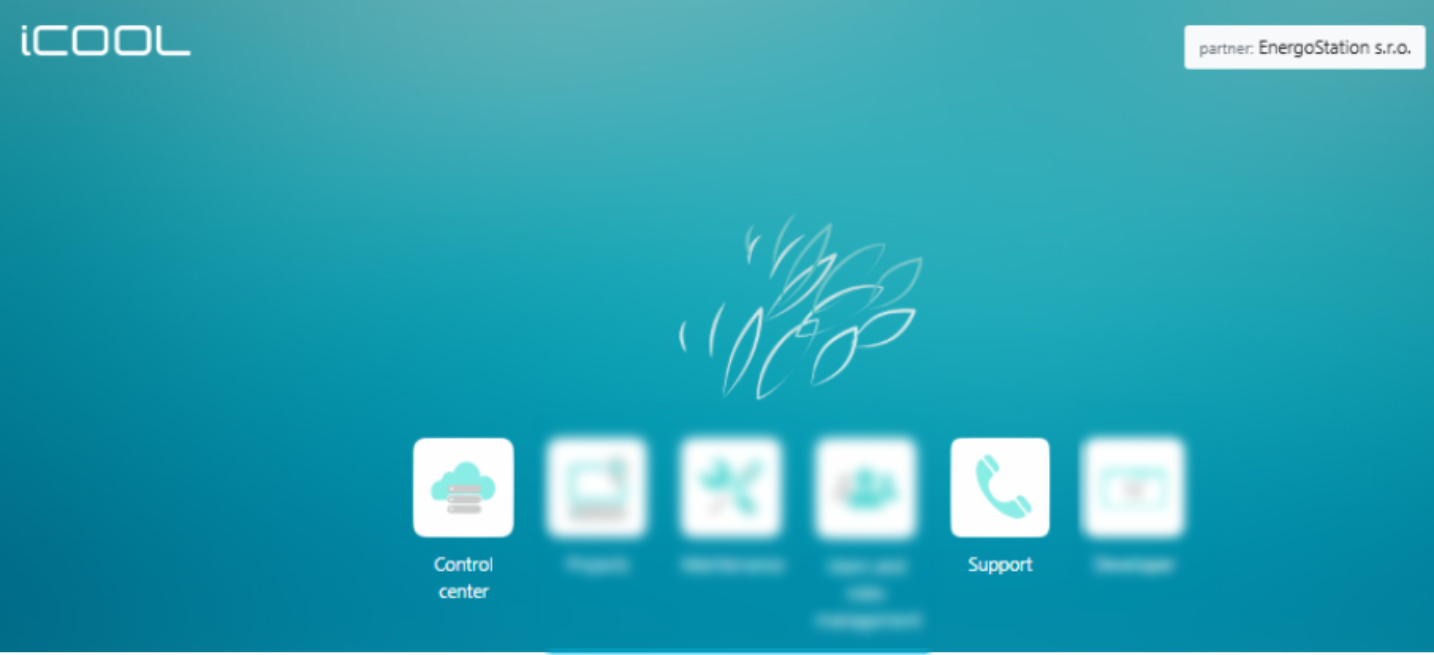
In the upper right corner, you will see the partner EnergoStation s.r.o. and the account name,or your name.
When you hover over the account name, you will see the option to log out of your account.
Control centre: iCool application initial page. redirects you directly to the iCOOL application with the name of your project.
Was this article helpful?
That’s Great!
Thank you for your feedback
Sorry! We couldn't be helpful
Thank you for your feedback
Feedback sent
We appreciate your effort and will try to fix the article